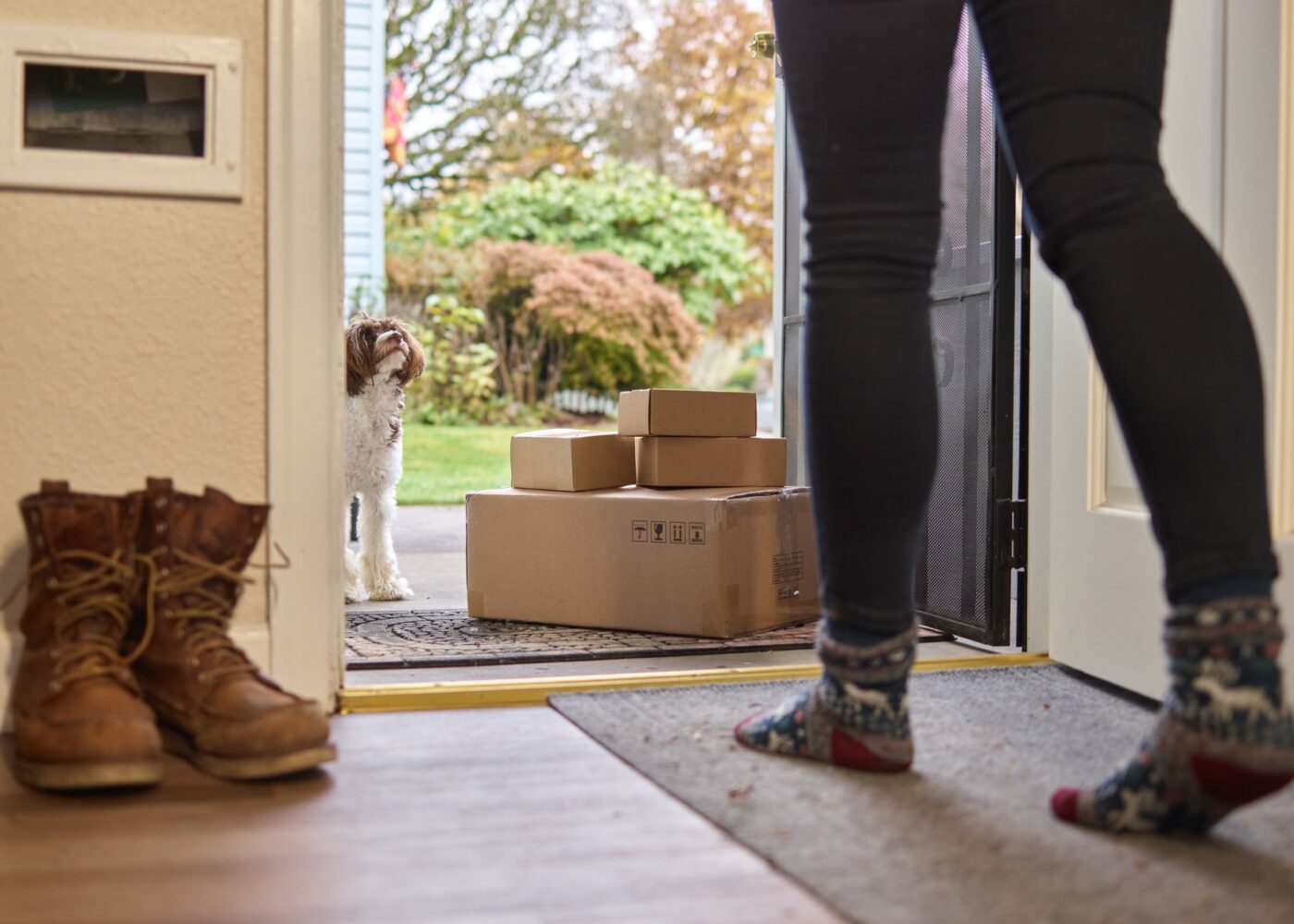
Prime Day ended two weeks ago, and Adobe’s final count says U.S. shoppers spent $26.4 billion online across the four days, up 9.3% from last year. A chunk of that is sitting in boxes in hallways right now, some of it still taped shut. If your packages arrived around June 26, most of the return windows close around July 26. That makes the next two weeks the most valuable part of the sale, and the time to sort out your Prime Day returns.
My argument is simple. The confirmation email shows a “you saved” figure, and that number is mostly fiction. The money you can actually keep is whatever you send back before the window closes.
The “savings” number measures the wrong thing

Prime Day discounts are real for some items. Adobe tracked peak discounts of 24% on electronics and apparel, 20% on toys, 19% on TVs, 16% on appliances and furniture, and 15% on computers. If you were going to buy a new air purifier this summer anyway and got it for 24% off, that’s a genuine saving.
The trouble is the stuff you weren’t going to buy. A 24% discount on an item you didn’t need means you spent 76% of its list price on something that wasn’t in your budget a week earlier. The “you saved” line counts that as a win. Your checking account doesn’t.
The list price itself deserves some suspicion. The FTC’s Guides Against Deceptive Pricing say a “former price” used in a comparison should be “the actual, bona fide price at which the article was offered to the public on a regular basis,” and one at which it was “openly and actively offered for sale, for a reasonably substantial period of time.” Those are guides about what sellers should do, not a guarantee that every strikethrough price on a marketplace with millions of third-party sellers meets that standard. A price-history tracker will show you whether the item ever actually sold at the list price.
Adobe also found that 54.2% of Prime Day online spending, about $14.2 billion, happened on phones, an all-time high. A phone checkout is a couple of taps away from a deal notification, which is great for speed and bad for second thoughts. The return window is the cooling-off period the checkout page never gave you.
A worked example: one hypothetical Prime Day haul
Say you placed four orders during the sale. Only one was planned.
| Item | Paid | “List price” | Planned? |
|---|---|---|---|
| Air purifier | $119.99 | $169.99 | Yes |
| Wireless earbuds | $49.99 | $79.99 | No |
| Robot vacuum (pay-in-4) | $179.99 | $299.99 | No |
| Smart plug four-pack | $19.99 | $29.99 | No |
You paid $369.96 for items with a combined list price of $579.96, so the order history tells you that you saved $210.00. But only $50.00 of that came from something you planned to buy, the purifier. The other three items added $249.97 of spending you wouldn’t have done otherwise.
Now suppose you return the earbuds and the robot vacuum, which are still in their boxes, and keep the smart plugs because you already set them up. You get $229.98 back. Your real Prime Day spending drops to $139.98, and your real saving is the $50 on the purifier plus a $10 discount on plugs you’ve decided to use. That’s a much smaller number than $210, but it’s honest, and you get to keep $229.98 in your account.
For the items you keep, cost per use is a better test than the discount percentage. Run every day for two years, the $119.99 purifier works out to about 16 cents a day, which is a purchase you can defend. An unopened vacuum has no cost per use at all, only a cost.
The robot vacuum is the item to watch. Adobe found that buy now, pay later accounted for $2.1 billion of Prime Day spending and 6.6% of online orders, up 9.5% from last year. A $179.99 vacuum split into four payments of about $45 feels cheaper than it is, and the payments keep coming every two weeks whether or not you open the box. If you return a BNPL purchase, check that the plan was actually canceled and that the next payment won’t still be drafted. The earlier post on buy now, pay later for summer travel explains why those automatic draws are where the real cost hides.
How to run your Prime Day returns audit this week

Open your order history and filter by date to June 23 through June 26. For each item, ask one question: would I have bought this at full price in the next three months? If the answer is no and the item is unopened or barely used, it goes on the return list.
Then check the deadline. ConsumerAffairs’ summary of Amazon’s policy says most items sold and fulfilled by Amazon can be returned within 30 days of delivery, but some categories are shorter. Apple products and items from Amazon Haul have 15 days, which means a June 25 delivery may already be past its window. Third-party sellers set their own rules and may charge restocking fees or make you pay return shipping, so look at the “sold by” line on each order.
Returns because you changed your mind may come with a return shipping charge or a deduction from the refund, depending on the item. Read the return screen before you confirm, and if the fee eats most of the refund on a cheap item, keeping it might be the better deal.
Refunds generally go back to your original payment method after Amazon receives and processes the item, so a return you drop off on July 24 may not show up until after your card statement closes. If the purchases went on a credit card, pay the statement balance as usual and let the refund land as a credit next cycle. Skipping a payment while you wait for a refund is how a $50 return turns into an interest charge.
Keep the habit for the next sale
Prime Day isn’t the last sale of the year. Amazon has run a second Prime event each October for the past few years, and the holiday sales come right after it. The return window works the same way every time.
A few rules make it easier. Before a sale starts, write down what you’re shopping for and the most you’ll pay. During the sale, don’t open boxes for anything that wasn’t on the list until you’ve slept on it. Put a calendar reminder for 25 days after delivery so the window doesn’t close without you noticing. If you find recurring charges you forgot about while you’re in your accounts, the guide to auditing subscriptions and using your cancellation rights covers the next step.
The order confirmation will always say you saved money. Your Prime Day returns are where you find out which purchases were actually worth it. Send back the ones that weren’t before July 26, and the sale will have done what it promised.
Sources: Adobe, 2026 Prime Day results; FTC Guides Against Deceptive Pricing, 16 CFR 233.1; ConsumerAffairs on Amazon’s return policy; Amazon, Prime Day 2026 dates